
To preview your help centre before it goes live, open a private preview before you publish, so you can check draft articles, screenshots, and layout in the same design your readers will see. You can preview the whole help centre or open a draft article directly in preview.
Step by step
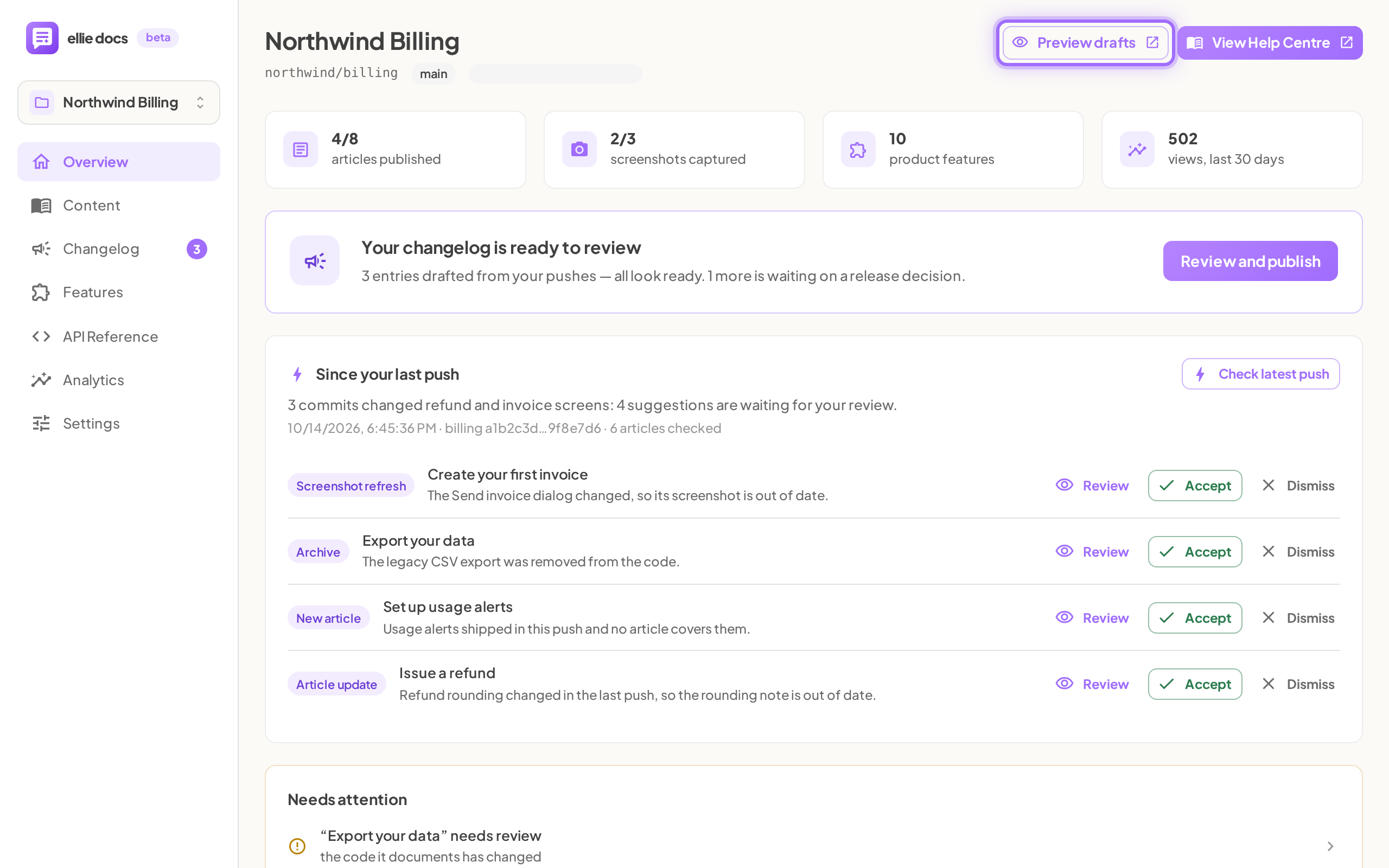
- Go to Project → Overview or any other project page, then click Preview drafts in the top right next to View Help Centre.
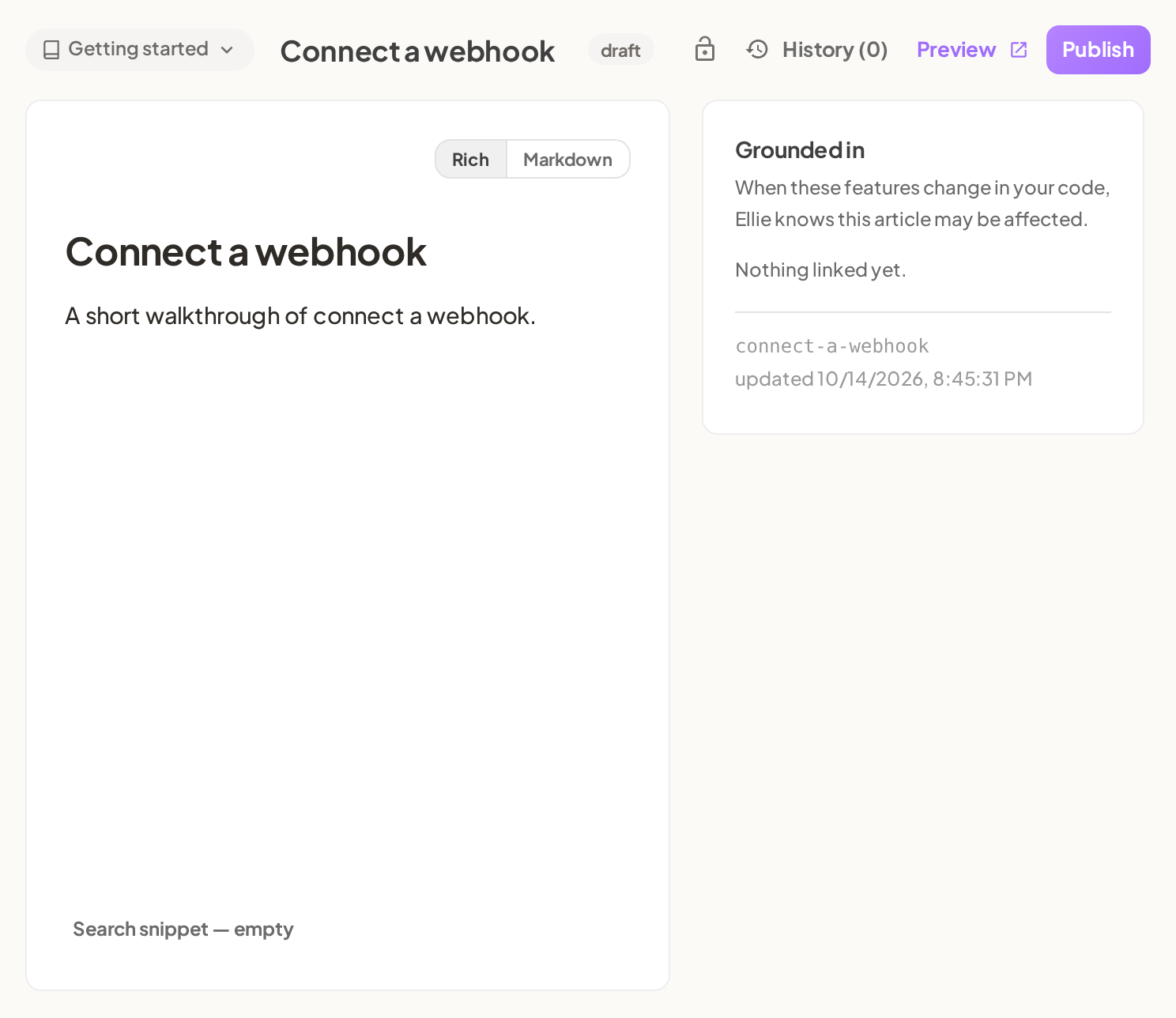
- To preview one draft article directly, go to Project → Content → Articles, open the article, then click Preview in the editor header.
- Check the banner at the top of the preview tab: Draft preview — unpublished articles are visible. This link is private; the public help centre shows published articles only.
- Use the preview sidebar to find unpublished articles marked draft, needs review, or stale.
- Open a draft article and check the note above the title: <status> — not visible on the public help centre.
- When you are ready to make the article public, return to the editor and click Publish.


Good to know
Why don't I see Preview on an article? Published articles do not show Preview. They show View live and Unpublish instead.
Who can open a draft preview? Any member of the workspace can open one.
How long does a preview link work? Preview links expire 12 hours after they are created. Open a fresh preview if a tab has been idle for a long time.
What if the preview does not open? The dashboard shows Could not open the draft preview. Try opening Preview drafts or Preview again to mint a fresh link.
What content is excluded from preview? Archived articles never appear in preview. Internal docs do not appear either.
Do saved edits appear in preview right away? Yes. Refresh the preview tab to see saved editor changes straight away.