
Publish a developer-facing API reference on your help centre, then decide which endpoints customers can see. This is for teams on Growth or Scale who want Ellie to generate API docs from code or ingest an OpenAPI spec.
Step by step
- Open your project, then go to API Reference.
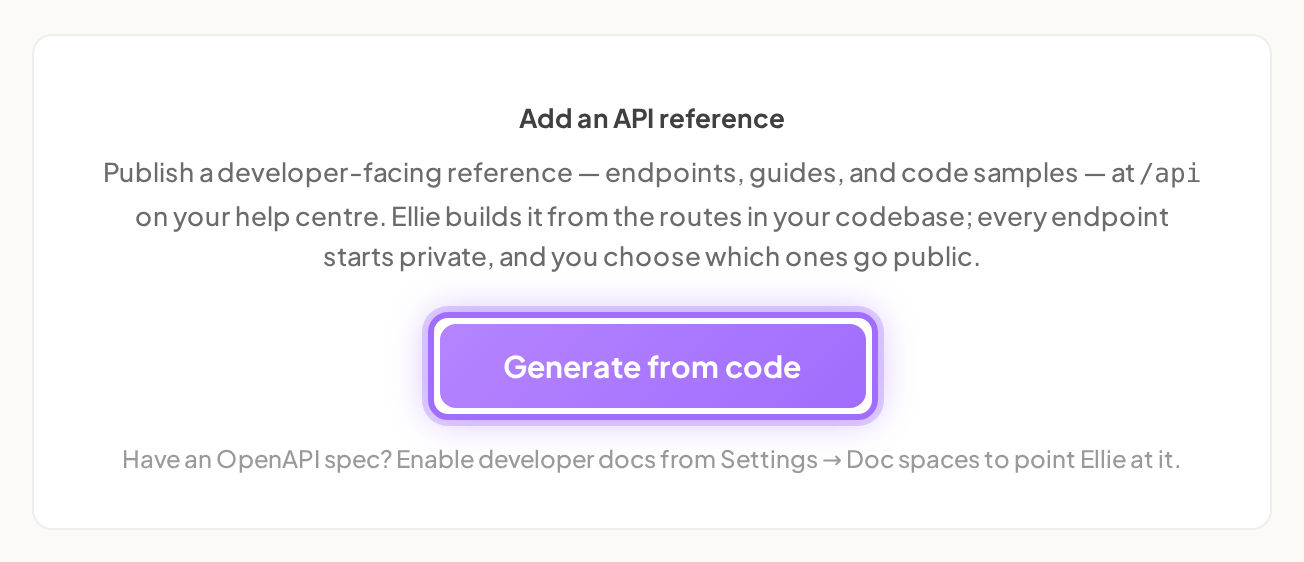
- If your project has no API reference yet, click Generate from code.
- Prefer to use an OpenAPI spec? Go to Project → Settings → Product → Doc spaces, find API Reference, enter a URL in https://your-app.com/openapi.json (optional) if needed, then click Enable developer docs. Or, if API Reference shows Already have an OpenAPI spec? Paste a URL instead, enter your spec URL and click Ingest.
- Open API Reference again after enabling.
- Review each operation and set its visibility to Public, Internal, or Excluded.
- Change every endpoint you want customers to see to Public.
- Click View API reference to open the published API reference on your help centre.

Good to know
What happens after I enable API Reference? Ellie ingests your operations and starts writing guides. After enabling from settings, you’ll see: API Reference enabled — N operations ingested. Guides are being written now; see the API Reference page.
What does Generate from code do? It builds the reference from your code’s routes. New operations start as Internal, so review the list and change customer-facing endpoints to Public before they appear in your published API reference on the help centre.
What do I review on the API Reference page? Operations are grouped by tag. Each row shows the method chip, path, summary, and a visibility control with Public, Internal, or Excluded. Only Public operations appear in the published API reference.
Can I update the API reference later? Yes. Use Re-generate for code-derived references or Re-ingest spec for spec-based references. Re-running updates narrative and examples only for operations whose contract changed.
Why can’t I enable API Reference? API Reference is included on Growth and Scale. On other plans, enabling is blocked and the message starts with The API reference needs the Growth plan. You can review plan options in Settings → Billing.
What if my spec URL does not work? The URL must be a publicly reachable http or https address. If Ellie cannot fetch it, you’ll see an error banner such as could not fetch <url>: HTTP 404.