
Use Chat with Ellie to ask questions about your project, get draft changes, and review suggestions before you decide what to do with them. This is for project owners and teammates who want to work on help-centre content without making changes by hand.
Step by step
- In a project, click the purple Ask Ellie button at the bottom right of the screen. It opens the chat dock.
- Ask your first question in the chat dock.
You can ask about your help centre, your product, or a specific article you are working on.
- If you already have an article open, use the scope shown in chat to keep the conversation tied to that article.
When this applies, the chat shows Talking about the open article.
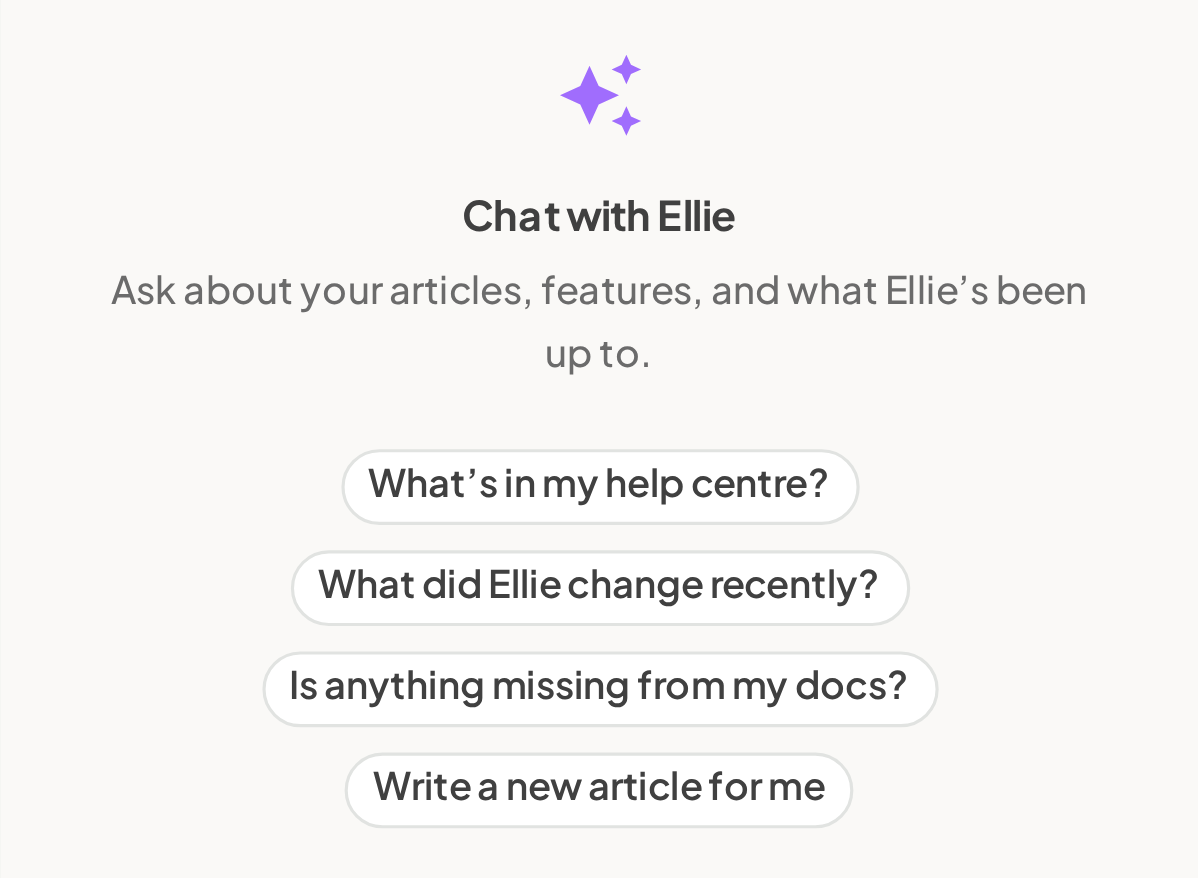
- Use chat for day-to-day documentation work.
You can ask Ellie to:
- find gaps in your help centre
- draft a missing article
- rewrite an article
- rename or move an article
- publish or unpublish an article
- archive an article
- show which API operations are public
- Review Ellie's answer before you act on it.
Ellie answers by searching your articles, features, and code, and it shows what it looked at in its response. If Ellie proposes a change, review the suggestion card and choose Accept or Dismiss.
- Check back for drafting work started in chat.
If Ellie prepares a draft in the background, it appears in chat as a card when it is ready.
- Use Conversations to return to an earlier thread, or New conversation to start fresh.

Good to know
Ellie never publishes anything on its own. Publishing always needs your explicit instruction.
- Why don't I see Ask Ellie? You need to be inside a project first. If you have not set one up yet, start with Set up your first help centre.