
Sign in to Ellie with your email and password or a supported sign-in provider, and reset your password if you cannot access your account. Use this if you need to get back into your workspace without creating a new account.
Step by step
Sign in
- Open Sign in.
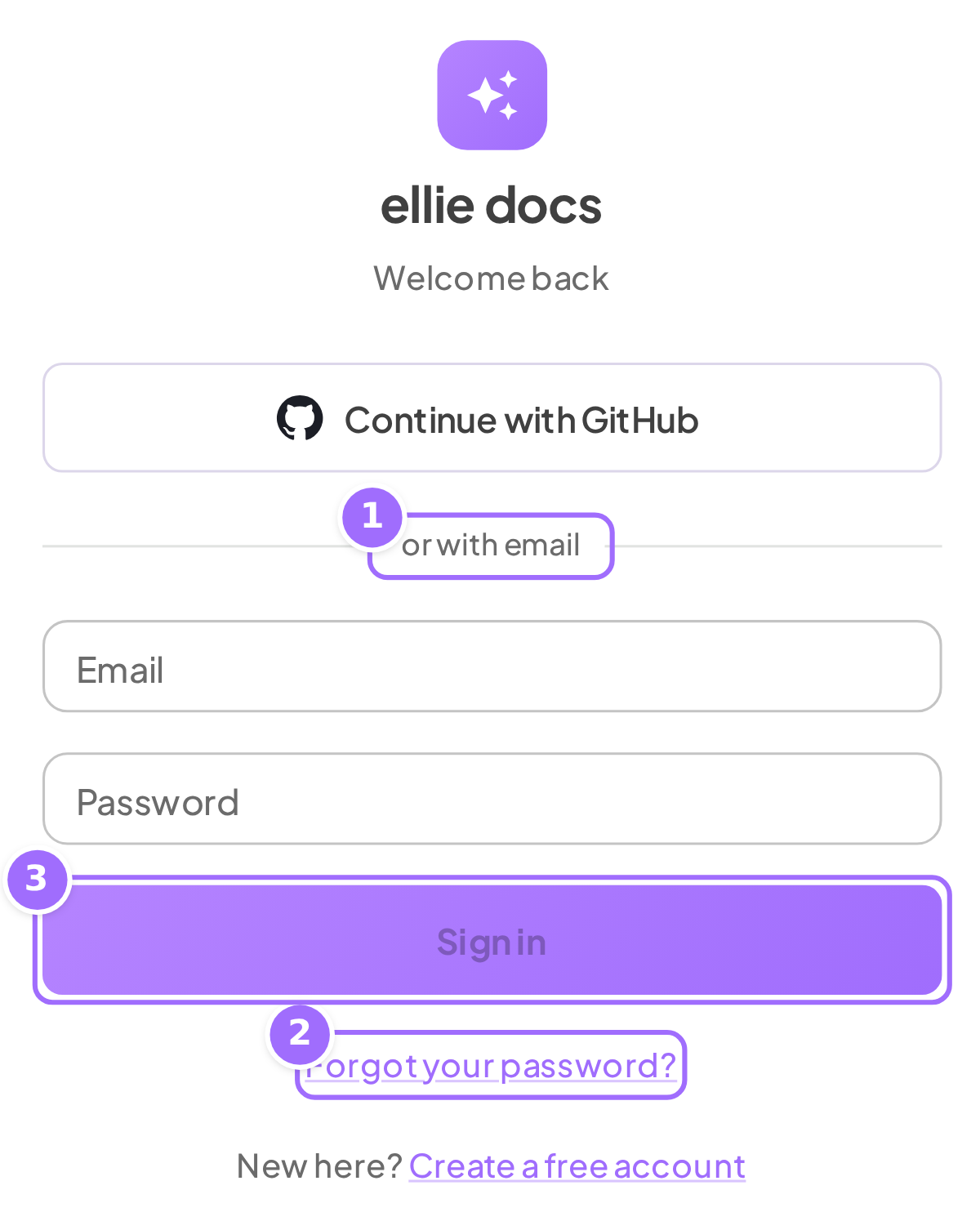
- Enter your Email and Password.
- Click Sign in.

- If you signed up with GitHub, Google, or Microsoft, click the matching Continue with... button instead.
Request a reset link
- On Sign in, click Forgot your password?.
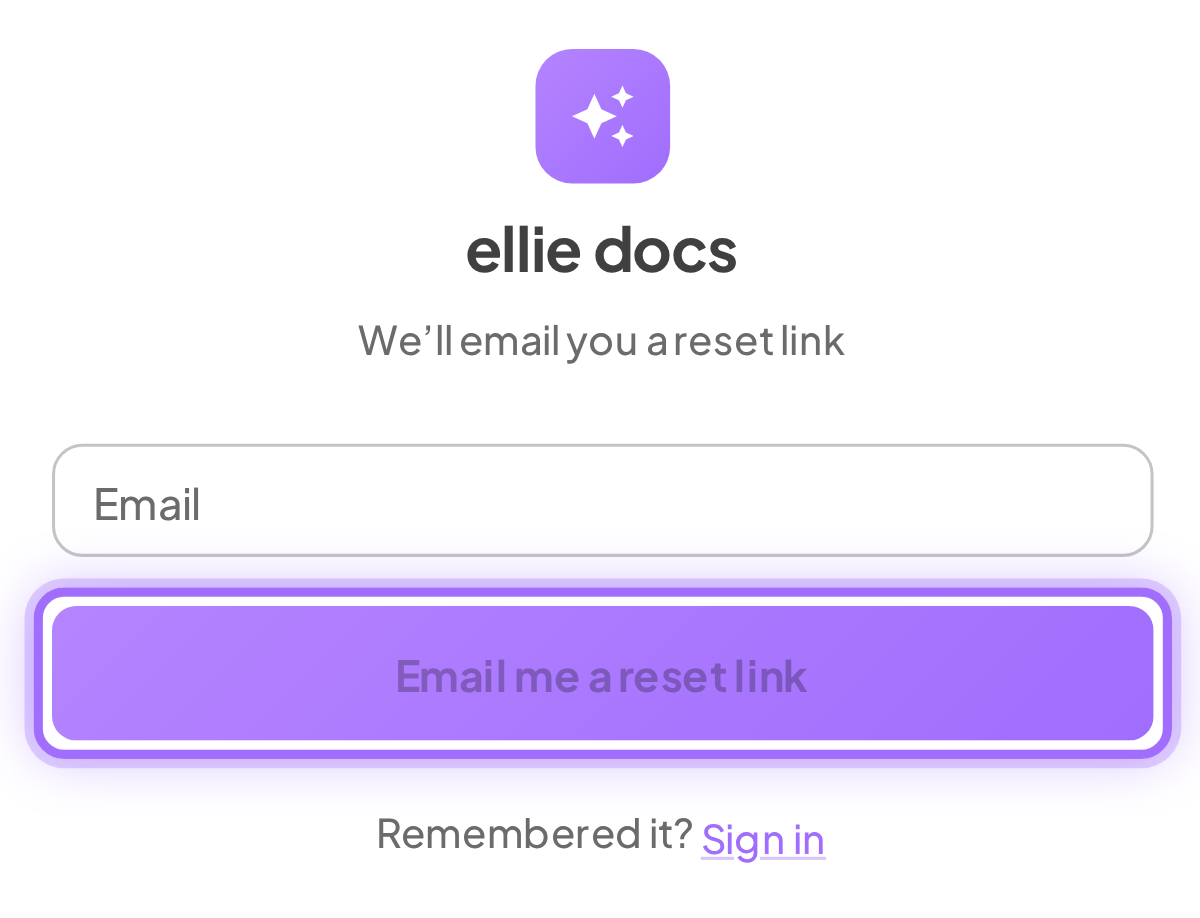
- Enter your Email.
- Click Email me a reset link.
- Open the email with the subject Reset your Ellie Docs password and open the link that follows the text Set a new password in the email.

Set a new password
- In the reset form, enter your New password.
- Enter the same password in Confirm password.
- Click Set password and sign in.
Good to know
Why can't I click Sign in? Sign in is disabled until both Email and Password are filled.
Why can't I click Set password and sign in? The button stays disabled until New password has at least 8 characters.
What if I see Incorrect email or password? Check your email address and password, or use Forgot your password? if you need a reset link.
What if the reset link does not work? If you see This reset link is no longer valid — request a new one, request another link from Forgot your password?. A reset link stops working after 30 minutes, after it is used once, or after your password changes another way.
What if I open the reset page from a broken or incomplete link? You will see This link is missing its reset token — use the link from the email. Go back to your reset email and open the link in it again.
Will Ellie tell me whether an email address has an account? No. After you request a reset, Ellie shows the same success message whether or not that email is registered.
Do I need to sign in again after resetting my password? No. After you set a new password successfully, you are signed in automatically.