
Connect GitHub, choose the repositories that make up your product, and start analysis for a new project. This is for workspace admins and owners setting up a project in Ellie.
Step by step
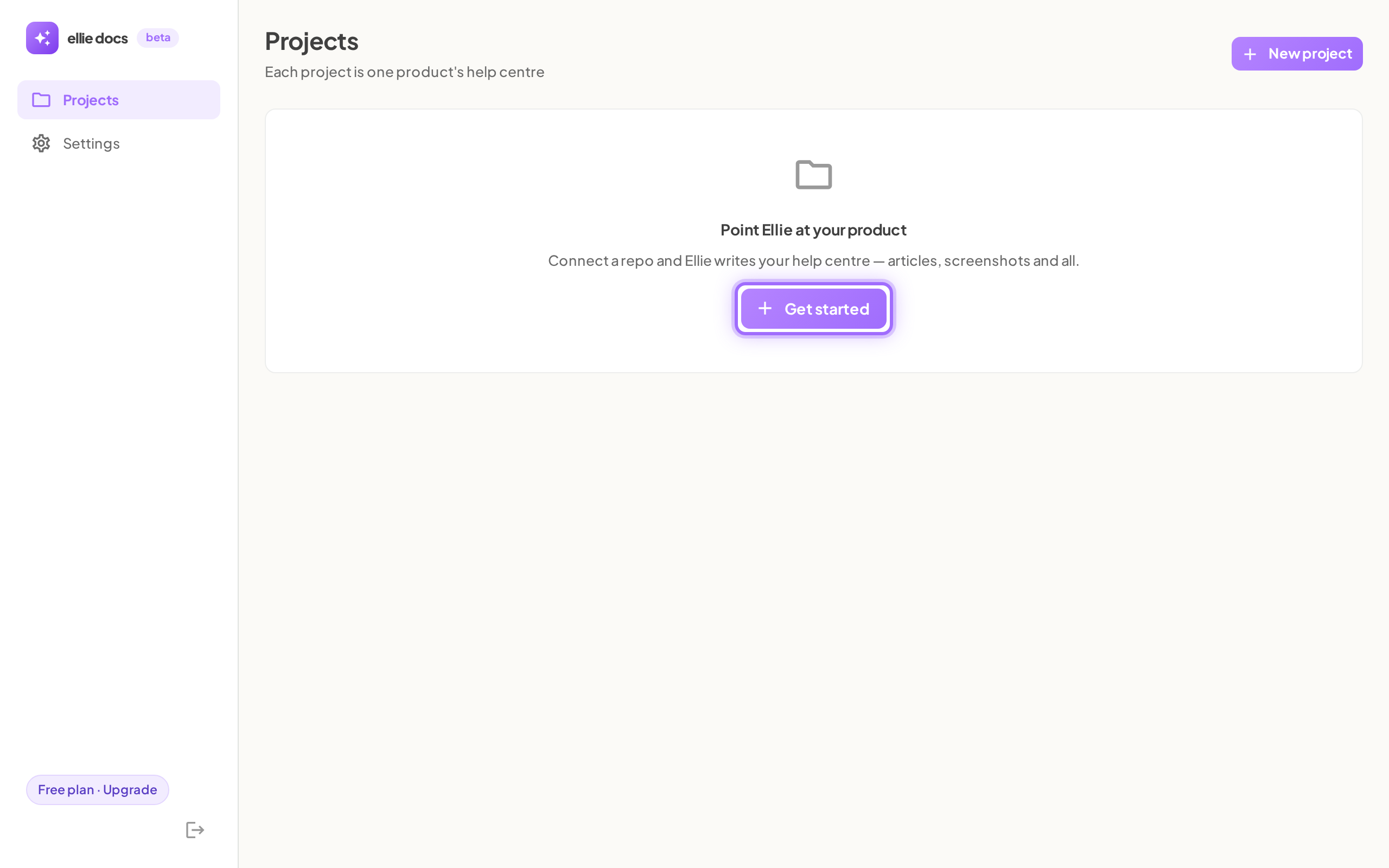
- Go to Projects.
- Start onboarding:
- If your workspace is empty, select Get started under Point Ellie at your product.
- If you already have projects, select New project.
- In the setup wizard, stay on Connect.
- Select Connect GitHub.
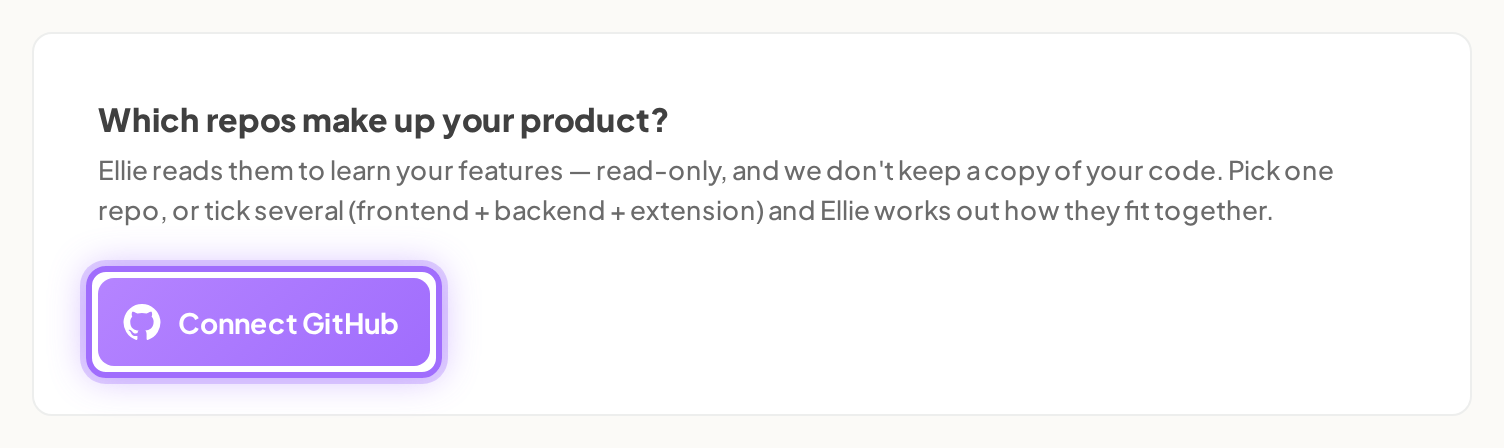
- In GitHub, install the Ellie Docs GitHub App and grant the repositories Ellie should read.
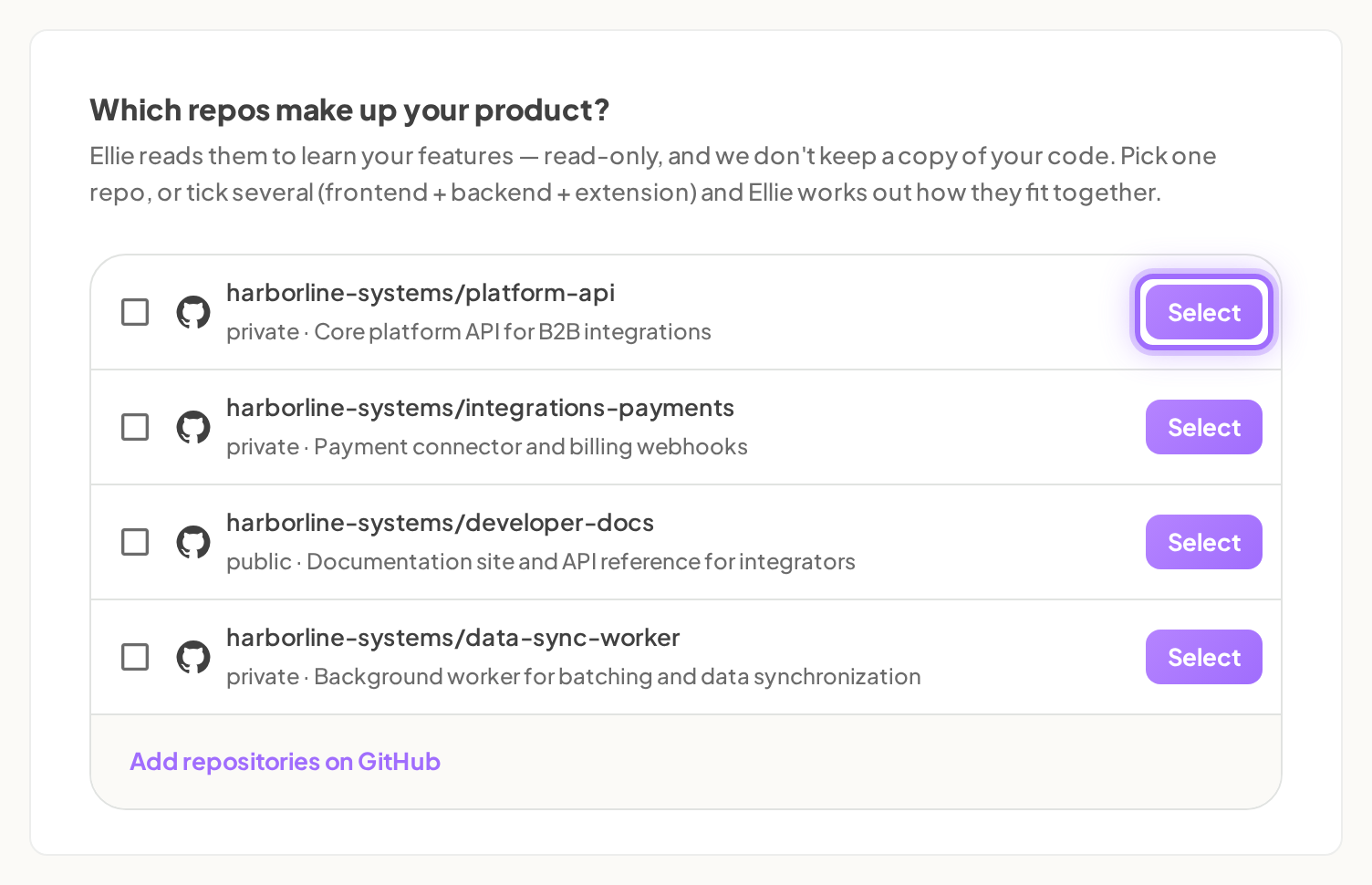
- Back in Ellie, select one repository with Select, or tick several repositories.
- Start analysis:
- For one repository, select Select.
- For several repositories, select Analyse N repos as one product.
- Continue to the next step if Ellie reopens an existing project instead of creating a new one.
- On a touch device or a screen narrower than 900px, select I’ll do this on my laptop if you want Ellie to email you a link back to this step.


Good to know
- What does Ellie show on the Connect step? The top of the wizard shows five steps: Connect, Your docs, Understand, App access, Write docs. Step 1 is headed Which repos make up your product? with the note: Ellie reads them to learn your features — read-only. Pick one repo, or tick several (frontend + backend + extension) and Ellie works out how they fit together.
- Who can start the GitHub connection? Only workspace admins and owners can start it. If Ellie cannot start the connection, you see Could not start the GitHub connection.
- What happens when GitHub sends me back to Ellie? Ellie returns to Connect and finishes linking automatically. If that fails, you see We couldn’t finish connecting GitHub — click Connect GitHub to try again. If GitHub cannot be reached, you see Could not reach GitHub just now — try again in a moment. A GitHub installation already linked to another workspace cannot be connected.
- How is the repository list ordered? Ellie lists every repository you granted, most recently pushed first, up to 500 repositories. Each row shows a checkbox, the owner/name, a private or public label, and the repository description. If nothing has been granted yet, Ellie shows No repositories granted yet.
- How do I grant more repositories later? On the Connect step, select Add repositories on GitHub. You can also go to Settings → GitHub and use Connect GitHub or Add repositories, or go to Project → Settings → Repositories.
- What happens when I pick one repository? Ellie creates the project straight away and starts reading the code immediately. While the action starts, the button label changes to Starting….
- What happens when I pick several repositories? As soon as you tick a checkbox, the row Select buttons are replaced by a selection bar. For one ticked repository it reads 1 repo selected with a Start button. For several, it reads N repos selected — Ellie will analyse each one, then work out how they connect with the button Analyse N repos as one product. The first repository you tick is the primary repository.
- How does Ellie name the project and choose branches? With one repository, Ellie uses the repository name. With several repositories, Ellie uses their shared name prefix if it is at least 3 characters long; otherwise it uses the first repository's name. Ellie tracks each repository on its default branch as reported by GitHub.
- What if I pick a repository that is already a project in this workspace? That is not an error. Ellie reopens the existing project, restarts its analysis, and moves to the next step. The duplicate check uses the primary repository only.
- What if project creation fails? Ellie shows the server message when one is available, or Could not create the project — please try again.
- How many projects can my plan have? When project limits are enforced, Ellie shows
The <Plan> plan includes <n> project(s) — upgrade to add more. The limits are Free 1, Starter 1, Growth 3, and Scale 10. New workspaces start on a 14-day Growth trial. - Can I finish later on my laptop? Yes. On touch devices or screens narrower than 900px, before GitHub is connected, Ellie shows I’ll do this on my laptop under Connect GitHub. The button changes to Sending…, then Ellie confirms:
We've emailed <your email> a link back to this step. Open it on your laptop and sign in the same way you signed up.If sending fails, you see Couldn't send the email — try again, or connect now. The email subject is Finish setting up Ellie Docs on your laptop and links back to Connect. If you still have no project after 24 hours, Ellie sends one reminder with the subject Your help centre is one step away. - How do I resume later? The onboarding URL keeps your place as
/onboarding?project=<id>&step=<connect|sources|analyze|profile|login|writing|done>. Reopening that address returns you to the same step, and background work continues while you move through the next steps. - What if GitHub access is removed later? If the GitHub App is uninstalled in GitHub, Ellie removes the link from your workspace. Later analysis then fails with Ellie couldn’t access that repository — check the Ellie Docs GitHub App has access to it. Reconnect with Connect GitHub and run analysis again.